



HomeCompare
Compare · PiloBuild vs. BluebeamBluebeam is a precise, person-driven measuring tool. PiloBuild automates the measuring and the classification.
Bluebeam Revu is a widely used PDF markup and measurement tool built for construction professionals, with calibrated measurement tools, a Markups List that turns annotations into structured records, and real-time collaboration through Studio Sessions. PiloBuild is not a PDF markup tool — it is a takeoff and estimating pipeline that runs its own classification over the same underlying vector geometry Bluebeam also reads.
 PiloBuild vs. Bluebeam
Bluebeam gives an estimator precise, calibrated measuring tools inside the PDF
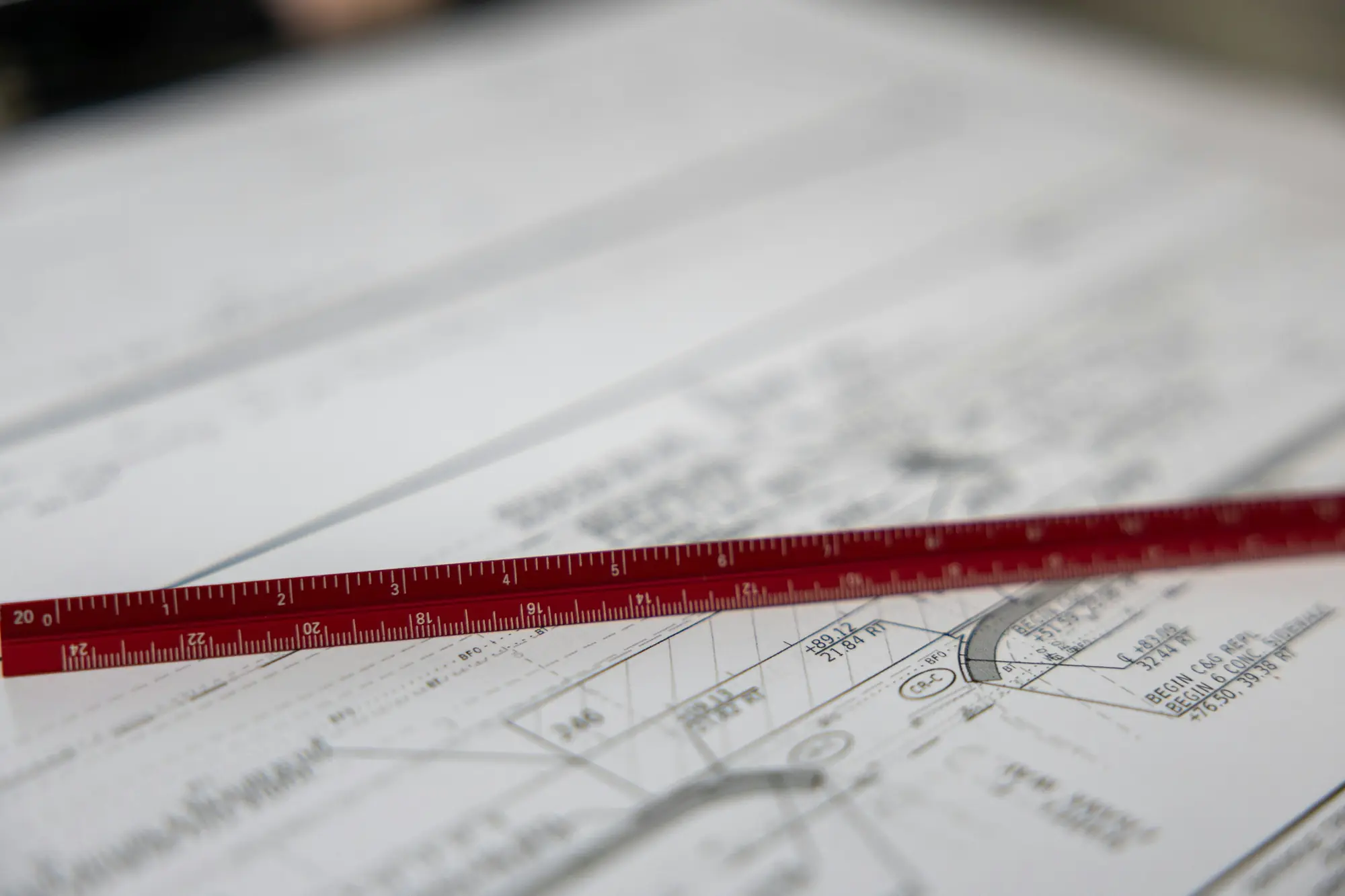
- Calibrated length, area, perimeter, volume, angle and count measurement tools that snap to the drawing’s vector content once a sheet is calibrated to a known dimension.
- A Markups List that turns every measurement into a structured, sortable, exportable record, with custom columns for unit cost and running totals.
- Visual Search, which finds repeated symbols across a document so a person can apply a count quickly instead of clicking every instance individually.
03 / The specific gap
Bluebeam measures what a person points at. It does not decide what a callout refers to or what an object is.
Bluebeam’s tools are precise, but a person still draws the length, traces the area or launches the Visual Search: the software measures where you click and calibrates the scale you set, it does not read a leader-line callout, decide which of several nearby polylines it refers to, or classify the resulting scope as new work, relocated existing, or field verify.
PiloBuild automates that judgment step across the whole sheet: geometry is parsed from the vector stream, callouts are resolved to specific objects programmatically, and each is classified before quantities are produced, with scale auto-calibrated per sheet and confirmed by a person rather than set manually one sheet at a time.
Both start from the same principle: measure the vectors, not a picture
Bluebeam’s own guidance tells users to calibrate against a known dimension and to snap to a drawing’s vector content rather than eyeball a measurement. PiloBuild is built on the same conviction, applied automatically and at the classification step Bluebeam leaves to the person doing the takeoff.
3 questions about the two together
Does PiloBuild replace the calibration step Bluebeam users already know?
The idea is the same — a drawing has to be calibrated to a known scale before a measurement means anything — but PiloBuild auto-calibrates each sheet from its own dimensions and title block first, and then asks a person to confirm that calibration rather than set it manually on every sheet.
Can we still use Bluebeam for markup and collaboration during a pilot?
Yes. A pilot does not ask you to stop using any tool. Bluebeam’s markup, Studio Sessions and document-review workflow are unaffected; PiloBuild runs its own takeoff pipeline on the same drawing set so you can compare results.
What is the actual difference in how a measurement is produced?
A person using Bluebeam draws a length, area or count markup by hand or with Visual Search, snapped to the drawing’s vector content. PiloBuild parses the vector geometry programmatically across the whole sheet, resolves leader-line callouts to specific objects, and classifies each one, producing the full set of quantities without a person tracing each one individually.
We named a real product because customers ask us how PiloBuild relates to it, not to score points against it. Product names belong to their owners; nothing on this page is an endorsement, partnership, benchmark test we ran ourselves, or a claim about their pricing, roadmap or performance. Where we were not certain of a specific fact, we described the category difference instead of asserting a number.
Run both side by side.
A pilot runs alongside the tools you already use. Nothing gets replaced.