


From project documents to reviewed work
Bring one active project. PiloBuild reads the project documents together, and your team checks the results against the original sources.
Workflow videos
Watch the full walkthrough or jump to a task.
How PiloBuild works
Follow the Pump Enclosure example from source documents through field work and closeout.
Watch the full workflow
Short walkthroughs
Documents and scope
Buyout and procurement
Coordination and mobilization
Project controls and closeout
Project steps
- Bring the documents. Start with the project’s current drawings, specifications, contracts and the estimate you already prepared. A folder of PDFs or a ZIP works for a pilot.
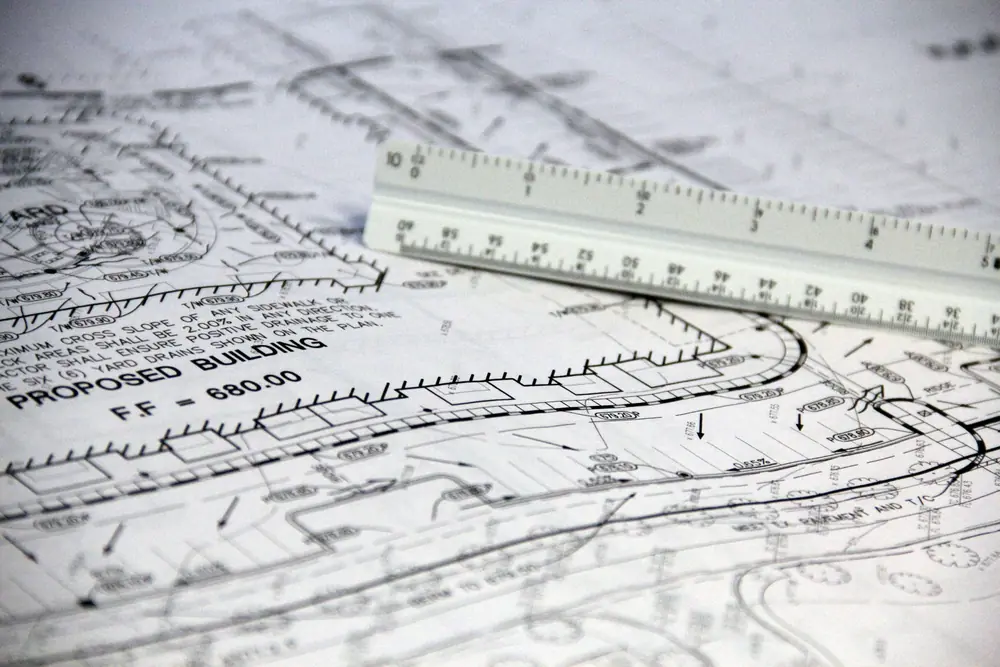
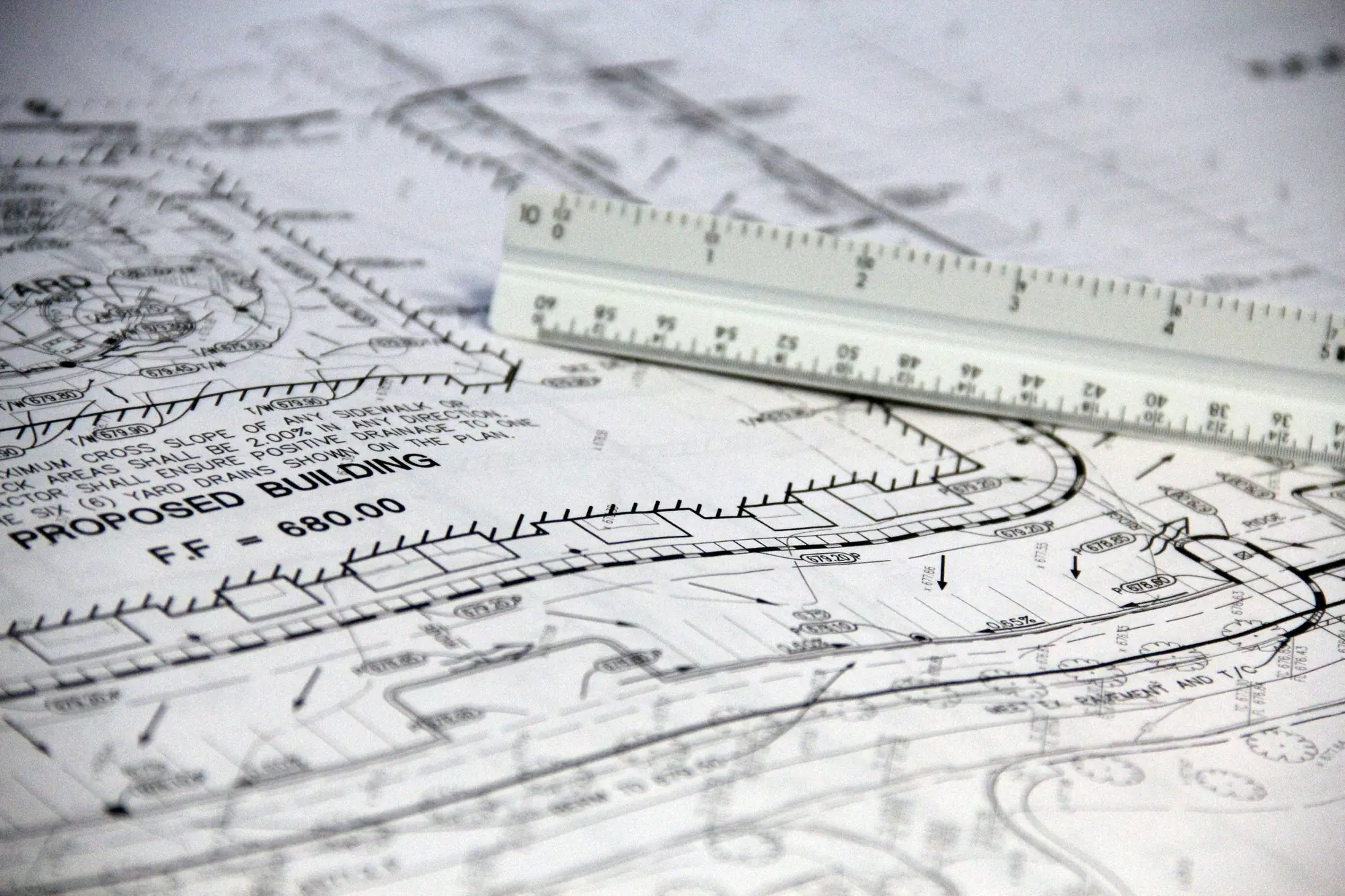
- Confirm the source and scale. Open the document behind a requirement. On takeoff, an estimator verifies the printed scale and reviews the measured quantities and classifications.
- Review and export. Compare quantities and costs against your estimate. Review draft RFIs and submittals before using them, and keep the takeoff, estimate and registers as spreadsheet or PDF exports.
Check the evidence behind each result
On a sample contract, a change-in-scope notice points to its section and page. Your team can read the original requirement, decide who gives notice, and check when it is due.
What to bring to a pilot
Choose an estimator or operations lead who can compare the results with the founding team. Agree on project scope, timing and the handoff before sharing project files.